
Monitoring an online store means checking the services and workflows that let customers find products, place orders and receive the result they expect. A homepage check is a useful starting point, but it does not establish that the buying journey works.
The catalogue can load while the cart API fails. A checkout page can appear while an identity or payment integration is unavailable. An order can be accepted while confirmation and fulfilment tasks stop running.
A practical setup maps those stages to safe tests, names their limitations and assigns someone to respond. Begin with the most important customer outcomes rather than create a monitor for every URL in the sitemap.
Map the buying journey first
List the stages customers depend on: browsing, searching, selecting options, adding to a cart, signing in if required, checking out and receiving order confirmation. Include any separate regional storefronts or materially different paths.
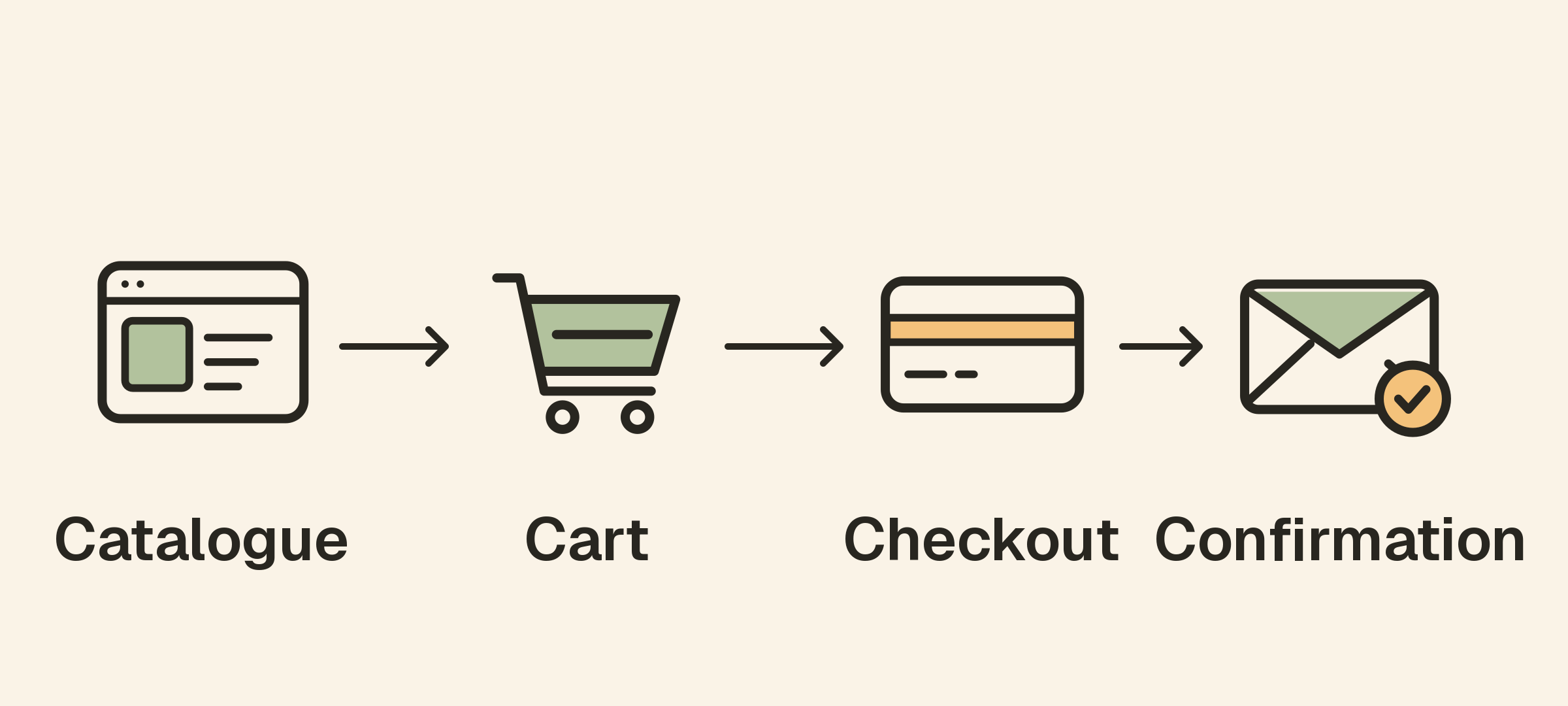
Identify the services behind each stage. Some may run in your application; others may be provided by a commerce platform, identity provider or external API. Record who owns each integration and where diagnostic information is available.
This map helps separate a broad storefront outage from a failure affecting one part of the journey. It also prevents the team from treating a passing homepage check as proof that customers can complete an order.
Use the map to choose a small initial set of meaningful checks, then expand it when incidents reveal gaps.
Check the storefront’s external availability
Add website monitoring for the public storefront and other important entry points. Use the hostname customers actually visit so the request exercises the intended DNS and HTTPS path.
Validate the response, not merely that a connection was made. A cached error document or authentication redirect can otherwise satisfy an overly broad status rule. Choose stable content that distinguishes the intended page from a generic failure response.
Consider relevant customer regions and compare results with their normal baselines. A store can work from one location while another network path experiences problems.
The uptime monitoring guide explains what periodic external checks can establish and what they may miss between samples.
Verify catalogue and search behavior
A reachable storefront may still show an empty catalogue or fail when customers search. Identify read-only requests that represent those behaviors without depending on constantly changing live values.
A controlled sample product can provide a predictable test when it is intentionally maintained for that purpose. Document its lifecycle so removing or renaming the item does not create a misleading production incident.
For a catalogue API, validate meaningful JSON fields and expected response structure through API monitoring. Avoid asserting that the first live product always has a particular identifier unless the endpoint actually guarantees it.
Check images or other assets where they are important to the experience, but distinguish a complete application failure from a problem limited to a subset of content.
Test cart and checkout safely
Cart and checkout behavior often requires state, authentication and multiple requests. A basic HTTP monitor does not automatically perform that complete journey.
Use browser-based synthetic testing or another appropriate transaction-testing tool when you need end-to-end verification. Decide how test sessions, inventory and any records are isolated and cleaned up.
Do not repeatedly create real charges or customer orders as an incidental result of a health check. Use supported test facilities and a deliberately designed workflow for operations with financial or fulfilment effects. Keep the distinction between a sandbox result and production availability explicit.
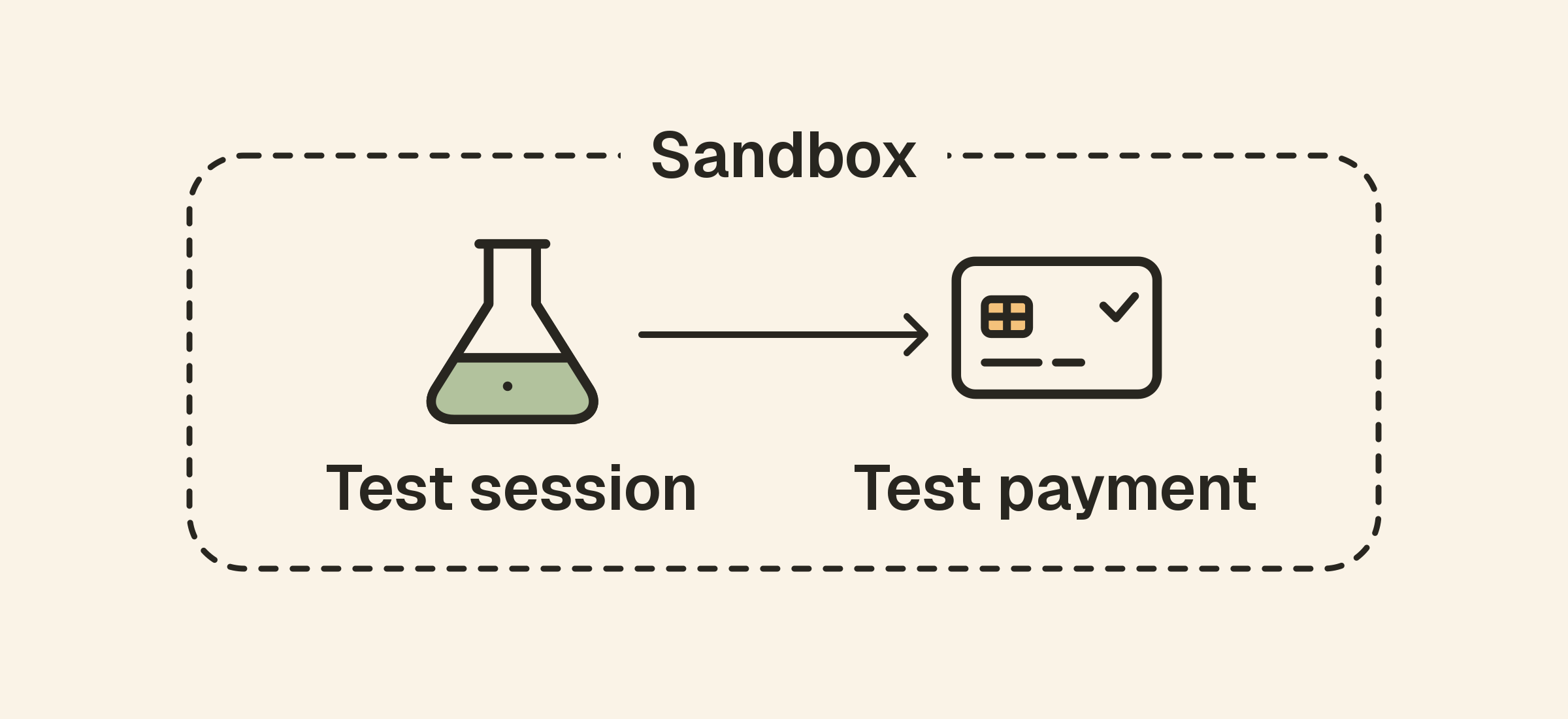
A production-safe read-only request can still monitor part of the checkout path, such as the availability of required configuration. Document what it proves and what it leaves untested.
Watch external dependencies from your integration’s perspective
Commerce systems may depend on payment, shipping, tax, email and identity APIs. The provider’s public status page is useful context, but it may not reflect your account, operation or integration path.
Where authorized, use safe representative requests and compare their results with actual application calls. Check credentials, quotas and request configuration before attributing a failure to the provider as a whole.
Set bounded timeouts and deliberate retry behavior. A slow dependency can hold application resources, and repeated attempts may create side effects for operations that are not safely repeatable.
Use application logs to add context, while keeping private customer and payment data out of public alerts and diagnostic examples.
Monitor the work that happens after checkout
Order acceptance and downstream completion are different events. A confirmation email, stock synchronization or fulfilment export can fail after the storefront reports success.
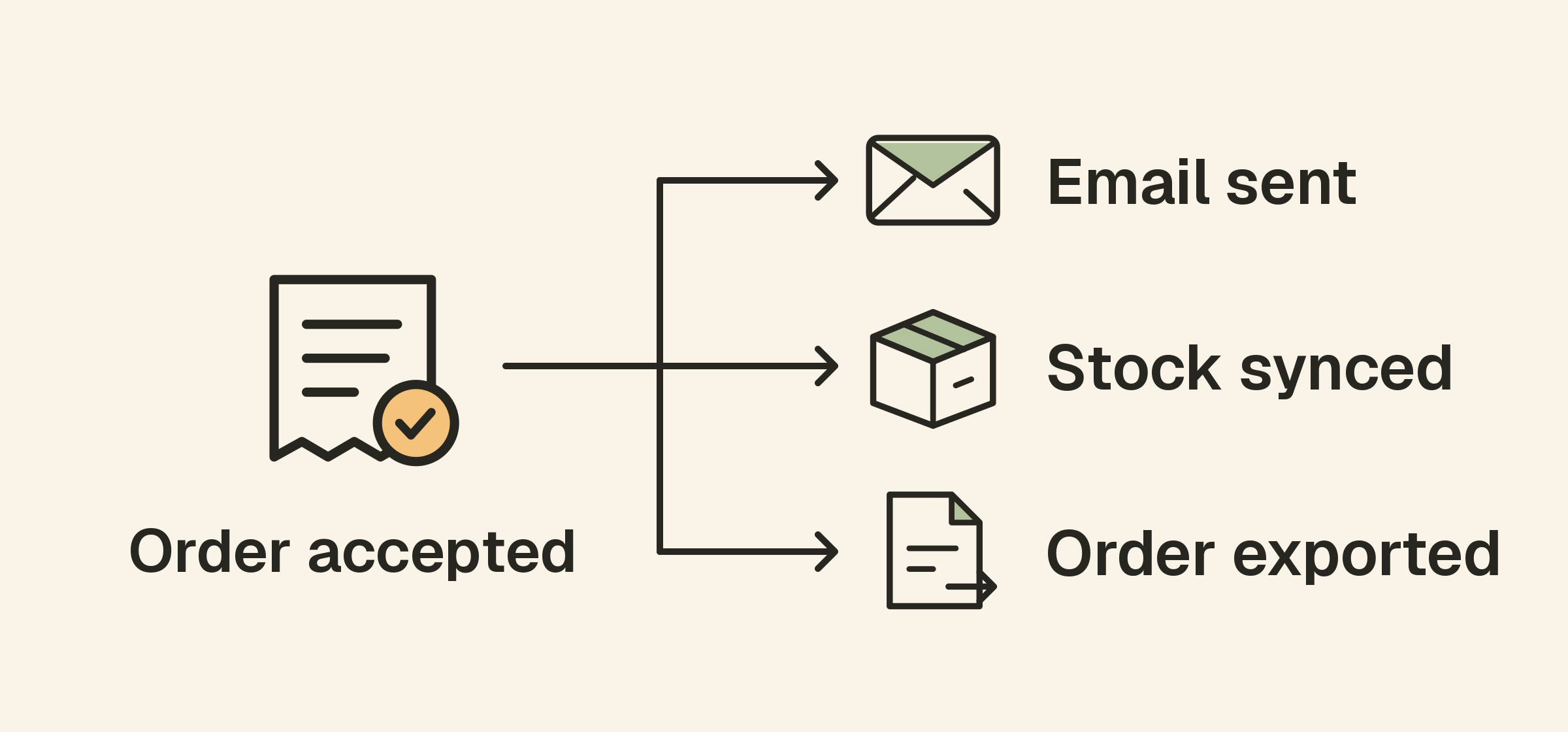
Identify the background jobs and queues involved, then choose evidence that represents completion. A heartbeat monitor can watch scheduled work that should report success by a defined deadline.
Send that success signal after the job’s real completion criteria, not merely when a scheduler launches it. Use separate monitors for independent tasks so one healthy process cannot hide another task’s silence.
The cron and scheduled backup guide explains this completion-signal pattern. For asynchronous workflows, use the application’s own outcome tracking where a simple periodic heartbeat is not enough.
Keep certificates, domains and DNS in view
A storefront can fail before the application receives any request. SSL monitoring, domain-expiry checks and DNS monitoring cover different dependencies along that path.
Assign renewal and configuration ownership. Automatic renewal is useful, but verify what the live service presents after certificate changes. Keep registrar access and renewal contacts current for the store’s important domains.
Include alternate storefront names and integration hostnames when they remain part of the customer path. A forgotten redirect or API hostname can matter even if it is not the main brand address.
Add infrastructure context where available
If your team operates the underlying servers, collect the host metrics needed to investigate slow responses, capacity pressure and missing data. If a commerce provider manages the infrastructure, use the diagnostics it makes available.
Correlate symptoms with logs, traffic and recent deployments. A resource spike near a slowdown is a clue, not proof of the cause. Check whether the evidence explains the affected workflow.
The website versus server monitoring article explains why a healthy machine and a healthy storefront are separate observations.
Make alerts reflect the customer impact
Name monitors after useful functions such as “Production cart API” rather than internal identifiers alone. Include the observed failure and a link to the relevant diagnostic view.
Route urgent alerts to the owner of the affected workflow and test the backup route. Not every low-priority asset failure needs the same interruption level as an unavailable checkout service.
Use the alert guide to configure supported confirmation, reminder and escalation behavior. Review thresholds before busy periods and planned campaigns, when traffic and operational coverage may differ from ordinary days.
If customers are affected, communicate verified scope through a status page. State which functions are unavailable or delayed and when the next update will arrive. Avoid declaring that orders or payments were lost without evidence.
Verify recovery through the affected journey
After a fix, check the service that actually failed. A passing homepage does not establish that cart operations recovered, and a provider’s recovery notice does not establish that your queued work completed.
Use the appropriate controlled transaction or API test, review remaining processing delays and confirm that normal monitoring and notifications have resumed.
Document what detected the incident and which parts of the journey were invisible. Add a targeted check or improve the response procedure based on that gap.
A store monitoring checklist
- Map the customer journey and its dependencies.
- Test public availability and stable response content.
- Validate important catalogue and application API results.
- Use controlled transaction tests for stateful workflows.
- Watch external integrations with safe requests.
- Monitor background completion separately from request acceptance.
- Add certificate, domain and DNS coverage.
- Assign alert owners and verify recovery at the affected stage.
Frequently asked questions
Is monitoring the homepage enough for a small store?
It is a starting point. Cart, checkout and post-order processing can fail independently, so cover the outcomes that matter to your customers.
Should a monitor place a real order every few minutes?
Only if you have intentionally designed an authorized synthetic transaction with understood payment, inventory and fulfilment effects. Use safer test facilities where possible.
Does a successful payment API request prove the whole order completed?
No. Your application may still need to record the order and complete downstream work. Monitor those outcomes separately according to the workflow.