
API monitoring checks whether an endpoint responds correctly, quickly enough and with the data your application expects. An HTTP status code is part of that result, but it cannot describe every failure that matters to your users.
A service can return HTTP 200 with an error inside its JSON body, stale data or an unexpected HTML page. A response can also be technically successful while taking so long that the calling application gives up. Useful monitoring defines what a healthy response means for a specific endpoint and tests that contract repeatedly.
This guide explains how to build those checks without turning a monitor into an accidental source of production changes.
Why a 200 response is only the beginning
HTTP status codes describe the outcome of a request at the protocol level. Their meaning depends on the method and endpoint; MDN’s explanation of 200 OK provides the basic semantics.
Your application still has its own expectations. Imagine a catalogue endpoint that returns a JSON object with a success flag, a list of products and a timestamp. A request can receive 200 while the success flag is false or the timestamp is hours out of date.
A useful monitor should distinguish those cases from a healthy response. Do not simply accept every 2xx or 3xx response if your integration requires a particular result. For an asynchronous operation, 202 may be correct, but it generally confirms acceptance rather than completion. Check the eventual outcome separately when that is what matters.
Start with API monitoring rather than assuming the same rule fits your homepage and every API endpoint.
Define the endpoint’s contract
Write down the smallest set of conditions that makes the response useful. For a read-only health endpoint, an illustrative contract might be:
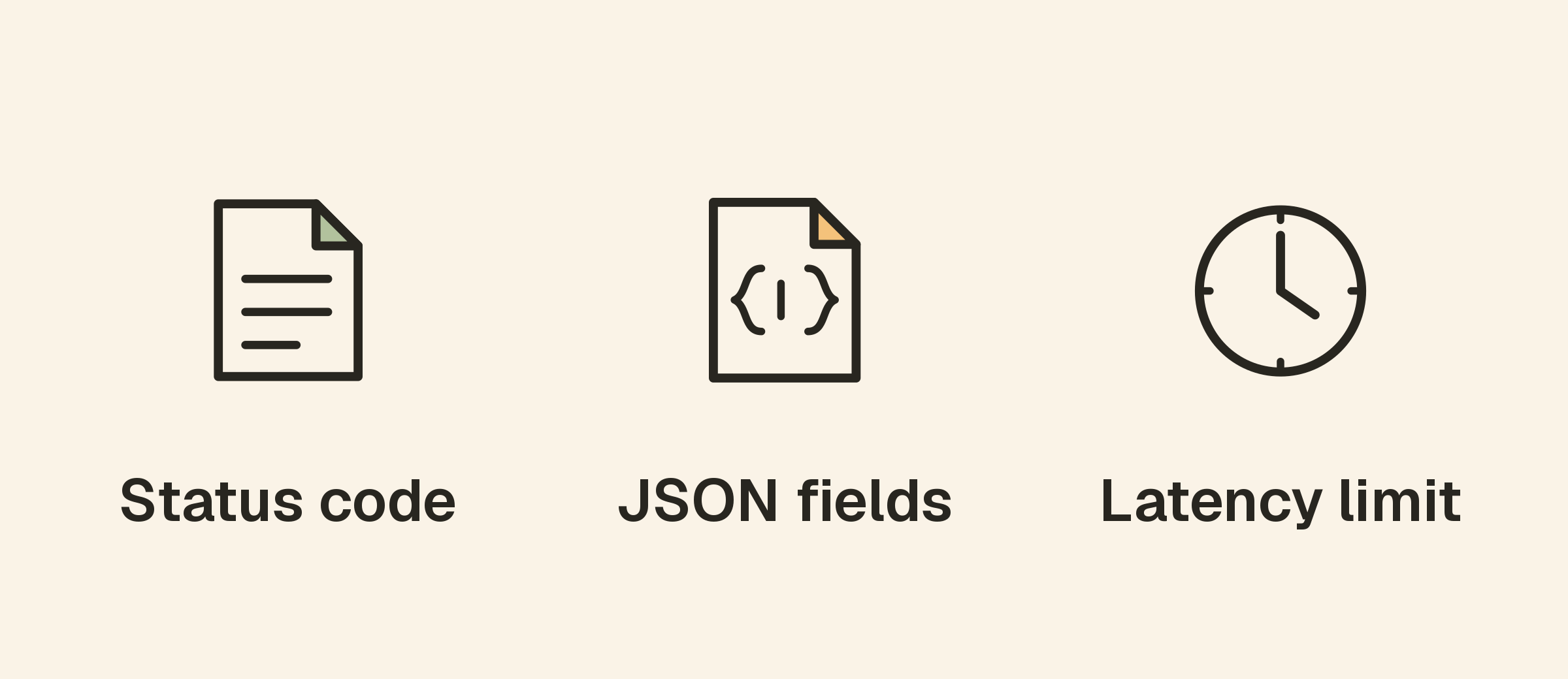
- The endpoint accepts the intended GET request.
- The response status is 200.
- The body is valid JSON.
- A status field reports the expected healthy value.
- A required dependency field reports readiness.
- The response arrives within an operationally useful time limit.
Use real field names from the endpoint’s documentation. Do not add an assertion just because a response contains a field. Checking a request identifier against a fixed value, for example, would fail on every normal request.
Keep the contract focused on what this monitor is meant to prove. A lightweight process check and a dependency-readiness check answer different questions. Document which one you are creating so a passing response is not interpreted as proof of complete application health.
Validate JSON fields that carry meaning
Consider this illustrative response:
{
  "status": "ok",
  "dependencies": { "database": "ready" },
  "data": { "items": [{ "id": "sample-item" }] }
}
An assertion on status and another on dependencies.database can detect a failure that the HTTP code misses. An assertion on data.items[0].id could also be useful if the endpoint is specifically designed to return that stable sample item.
Avoid brittle rules around live business data. The first item in a real catalogue can change, and an empty result may be legitimate for some queries. Use a dedicated synthetic record or a controlled request when you need a predictable answer.
Upty supports JSON checks with paths using dots and array brackets. Its API monitor documentation explains operators and comparison behavior. Read those details carefully: checking that a field exists is different from checking that it equals the expected value, and missing-field behavior can vary by operator.
A handful of well-chosen assertions often provides more useful coverage than a long list of fields copied from one successful response.
Check response headers and content type
Headers can help detect requests reaching the wrong layer. An endpoint expected to return JSON might instead return an HTML sign-in page, a proxy error document or a cached response with unsuitable cache instructions.
A content-type rule adds context, while a JSON assertion verifies the body itself. Use both where they serve a clear purpose. Some APIs include parameters in header values, so choose an operator that matches the actual contract instead of insisting on an overly narrow string.
Redirect behavior deserves the same attention. A redirect to authentication may indicate that credentials no longer work even though the status is within a broad accepted range. Upty’s current API monitor documentation describes redirects as not followed, making the chosen status range especially important.
Do not use a HEAD request for a test that needs JSON or body content. That method does not provide the response body such assertions require.
Monitor latency separately from availability
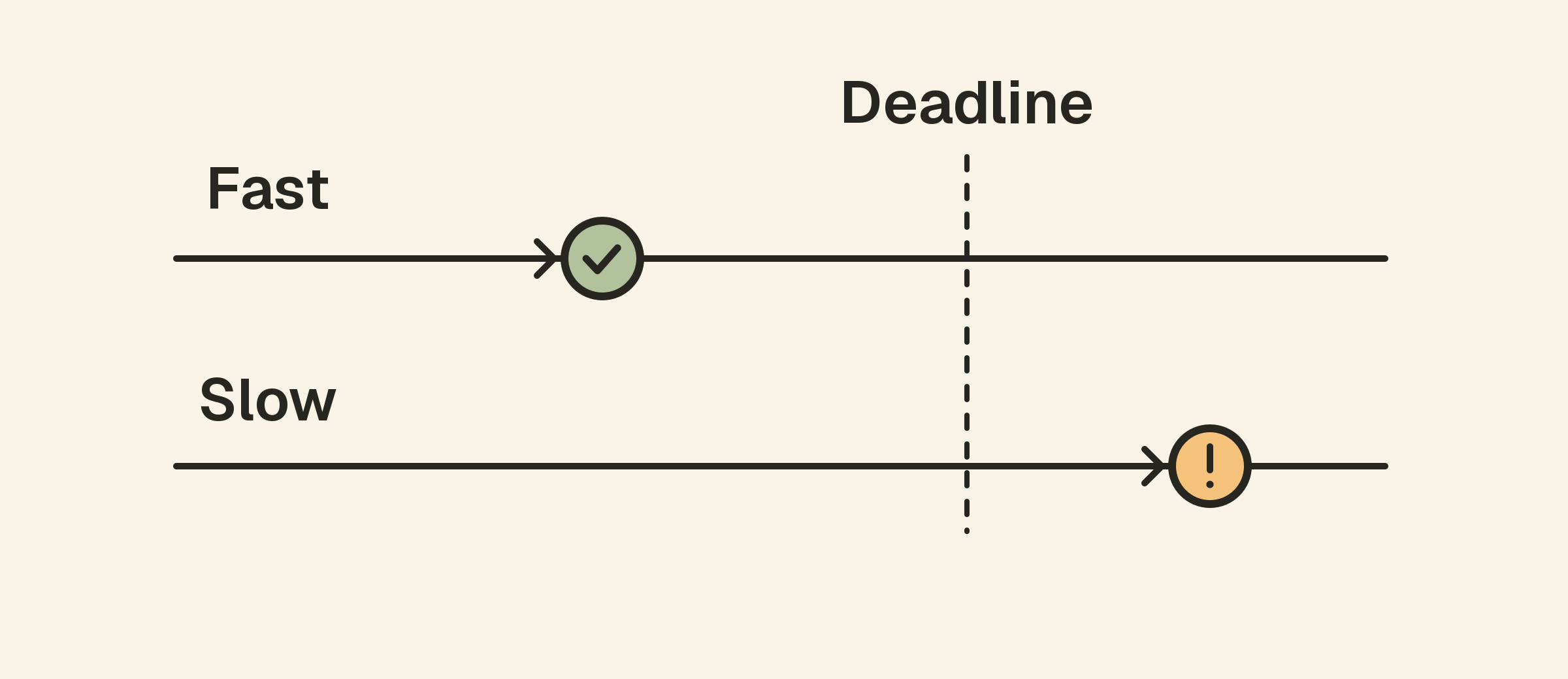
An API may answer correctly but too slowly for its callers. Choose a latency threshold using observed normal behavior and the caller’s timeout expectations. An arbitrary threshold copied from a different service can create noise or miss a real problem.
Keep the distinction between a slow successful response and a failed request clear. For example, a timeout means the monitor did not receive the required result within its deadline; a degraded-latency rule can identify a successful response that is becoming too slow.
Sampling also matters. A periodic synthetic request does not measure every real user request. If an investigation needs production latency distributions or transaction traces, use application instrumentation alongside external checks. A single average cannot explain every slow experience.
Use safe requests and dedicated credentials
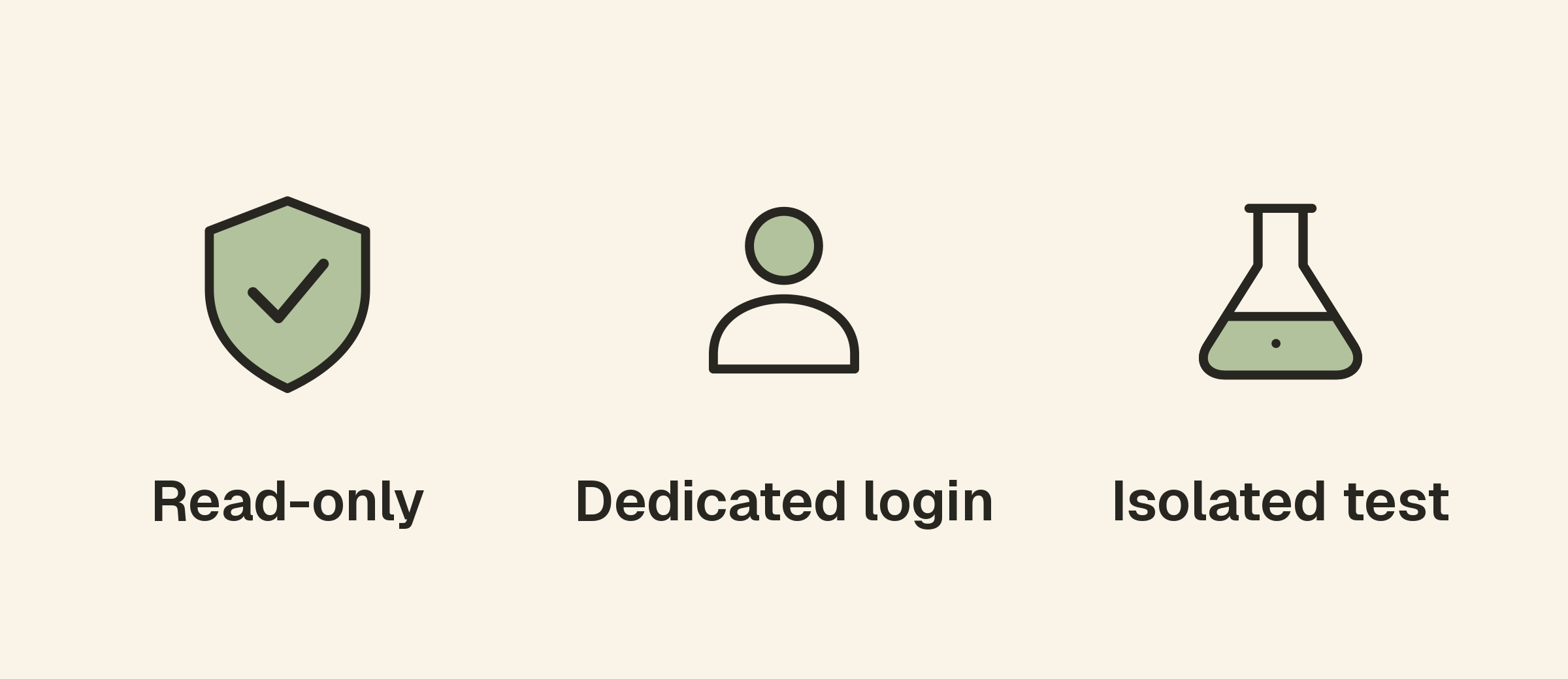
Prefer read-only endpoints for frequent availability checks. If you must monitor a write operation, use a controlled environment or a deliberately isolated synthetic workflow with cleanup and documented side effects.
Repeatedly submitting a real checkout, sending an email or creating a customer record is not a harmless health test. Retries can multiply those effects. Understand the operation’s idempotency behavior before putting it on a schedule.
For authenticated checks, use a dedicated identity with the least access needed for the test. Plan for credential rotation, avoid embedding secrets in public URLs and keep sensitive response data out of alert messages. A monitor should not become the place where production customer records are copied into diagnostic logs.
Test failure cases before relying on the monitor
A passing check confirms only that the current request matches the current rules. In a safe test environment, verify what happens when a required JSON field changes, credentials stop working or the expected content type is absent.
Confirm that the monitor records the failed condition and that the intended person receives the notification. Use the alert configuration guide to tune consecutive failures, destinations and escalation.
Also check the difference between a monitor configuration error and an application outage. An expired monitoring credential can affect the test while ordinary users remain unaffected. The alert still deserves attention, but its scope should be investigated rather than assumed.
Connect API failures to the rest of your stack
When an API slows down, compare its response history with host metrics and relevant application logs. Name-resolution and HTTPS failures may need DNS checks or certificate monitoring.
For a scheduled workflow triggered through an API, use a completion signal such as a heartbeat where appropriate. An accepted request does not prove that the background work finished.
The website versus server monitoring guide explains why these signals complement one another. Start with a small set of checks that tells an investigator where to look next.
A practical API monitoring checklist
- Choose a stable endpoint and a safe request method.
- Specify the expected status and redirect behavior.
- Validate the body’s format and meaningful fields.
- Add header rules where they express a real requirement.
- Set a realistic timeout and latency threshold.
- Use dedicated, restricted credentials where authentication is needed.
- Test representative failures and notification delivery.
- Revisit assertions whenever the API contract changes.
Frequently asked questions
Should every API monitor require HTTP 200?
No. Use the status expected for that operation. A creation endpoint or asynchronous workflow can legitimately return another status. Check the contract instead of using one rule everywhere.
Can JSON checks replace an end-to-end test?
No. They validate the request and response you configure. A full user journey may involve authentication, several services and asynchronous work that needs separate verification.
How many assertions should I add?
Use enough to identify the outcome that matters, with a clear reason for each rule. Remove assumptions about changing live data unless the monitor is intentionally testing that data.