A monitoring interval is the time between scheduled checks. It influences how quickly a monitor can notice a failure, how many requests it sends and how much detail appears in its history. Choosing an interval is therefore an operational decision, not simply a preference for more frequent data.
The right interval depends on what the service does, how quickly a failure needs attention and whether someone can act on the resulting alert. It also depends on request timeouts, retries and failure-confirmation rules.
Start by defining a useful detection target, then choose settings that can reasonably support it. Test the complete behavior before relying on the monitor.
Start with the service’s importance
List the consequences of a missed interruption. An unavailable customer application, a personal project and a page containing occasional news may justify different levels of urgency.
Consider the specific endpoint, not only the domain. A static marketing page can remain available while an application API fails. A frequent check of the wrong URL offers less protection than a well-designed check of the behavior users need.
Use website monitoring for public pages and API monitoring for endpoint-specific requests and response rules. Choose an interval after you know what that test is intended to prove.
Understand what happens between checks
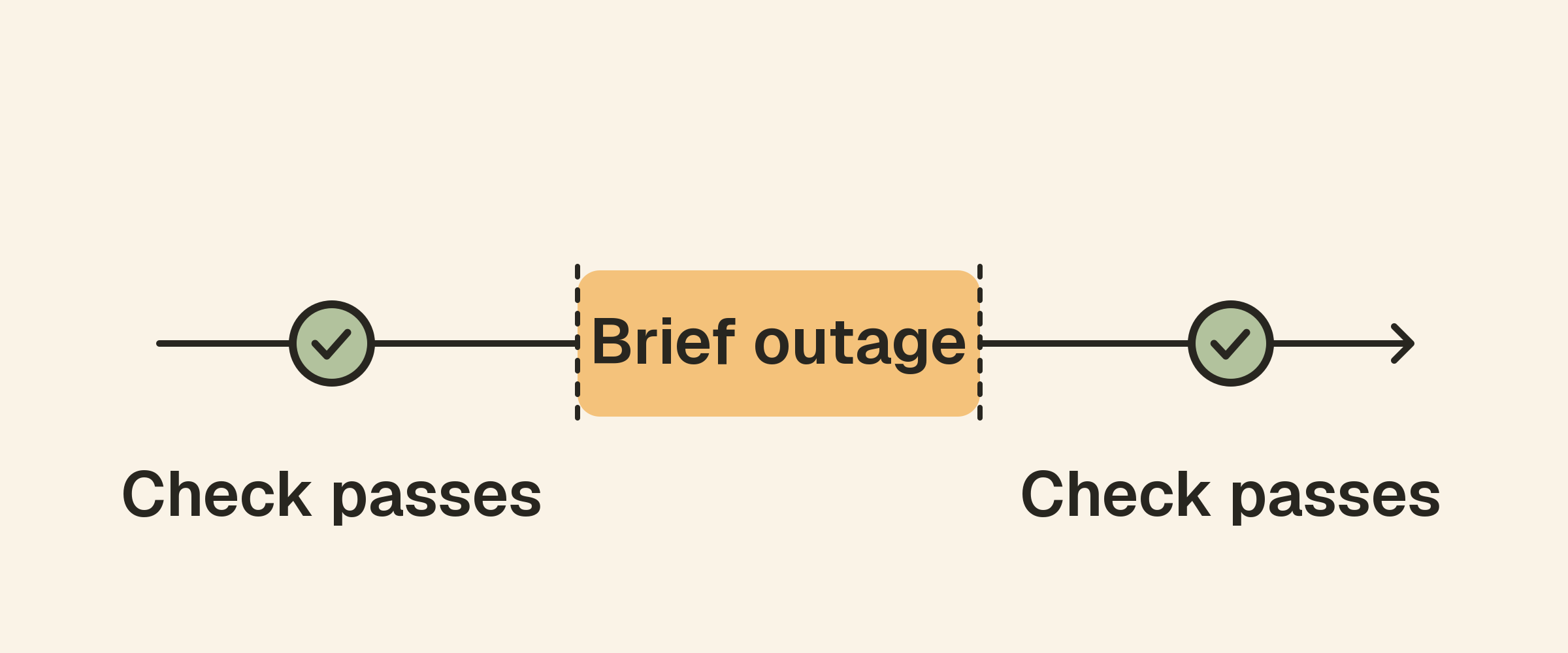
Periodic monitoring samples the service. An interruption that begins and ends between two samples may go unnoticed. A failure beginning immediately after a successful check will generally wait longer for its first observation than one beginning just before the next check.
Shortening the interval reduces that blind period, but it does not eliminate it. Monitoring should be described in terms of observations and configured rules rather than as continuous proof that every request succeeds.
Suppose a monitor checks every five minutes. A brief outage within that gap may never be sampled. If it continues, the first failed observation may occur several minutes after the outage begins. Timeouts, scheduling and confirmation rules can add further delay before a person hears about it.
The uptime monitoring guide explains why sampling affects both detection and availability reporting.
Treat interval, timeout and confirmation as one design
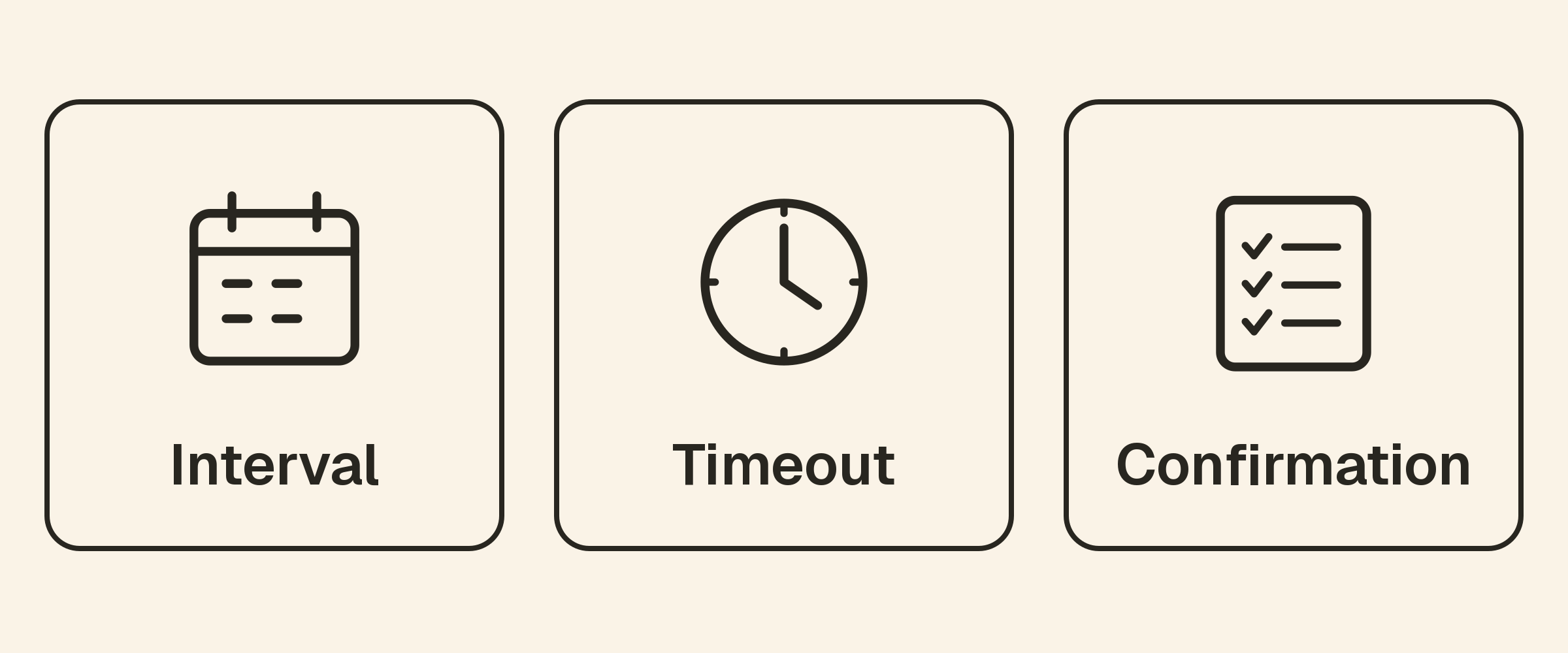
The interval controls check frequency. The timeout controls how long a request can wait for its required result. Consecutive-failure rules control how much failed evidence is needed before an alert is sent.
These settings interact. Requiring three failures on a long interval can produce a much later notification than the team expects. A short interval combined with an excessively long timeout may also behave differently across monitoring systems, depending on how overlapping requests or delayed schedules are handled.
Avoid calculating a guaranteed alert deadline from the interval alone. Read the tool’s scheduling and retry behavior, then run a controlled test that measures the time from failure to notification.
Upty’s website monitor documentation describes supported intervals and request settings, while the alert guide explains failed-check confirmation and destinations. Availability depends on your plan, so use the options shown in your workspace.
Use a simple priority model
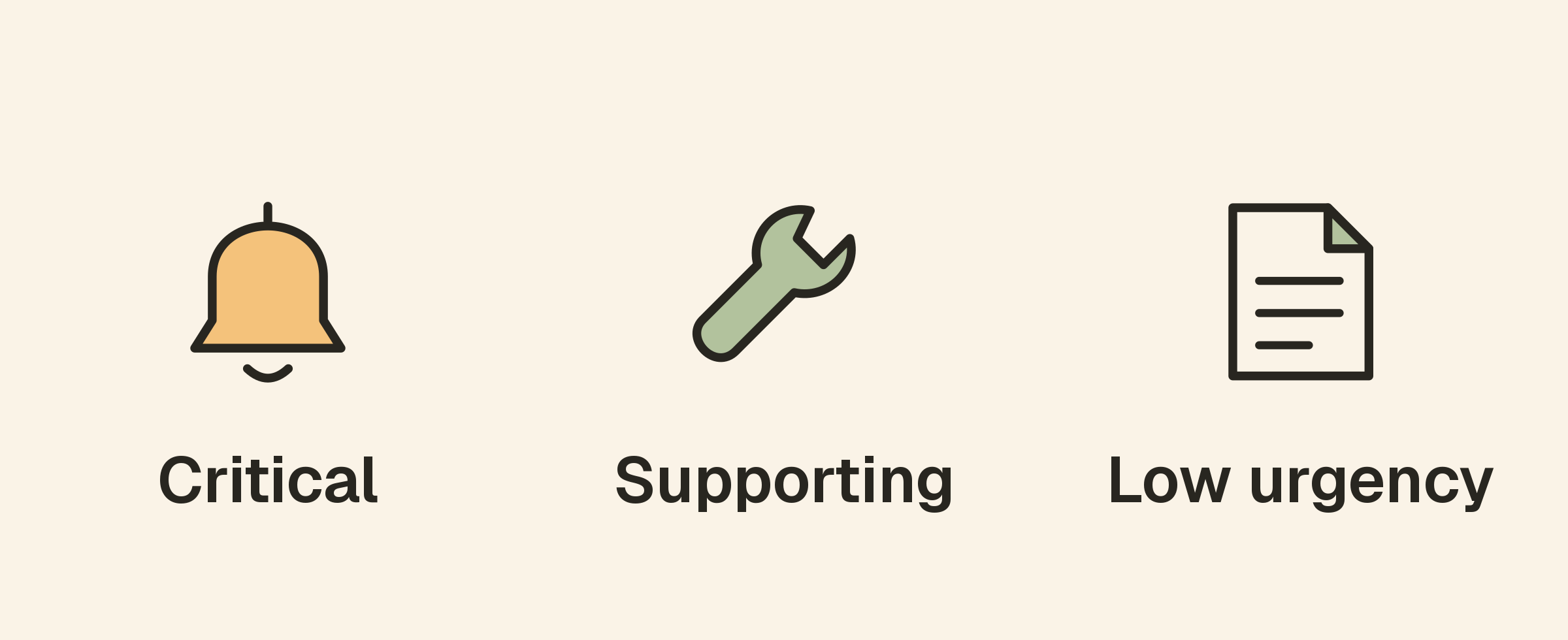
A small team can begin with three practical categories:
- Critical interactive services: failures need prompt investigation because users cannot complete important work.
- Important supporting services: failures matter, but a slightly longer detection delay may be acceptable.
- Low-urgency informational resources: interruptions can usually wait for ordinary review.
These are planning categories, not fixed timing recommendations. Decide the acceptable delay for your own services and select the shortest justified interval your monitoring arrangement supports.
Also assign an owner. An urgent monitor without a responder can generate faster notifications without producing faster recovery. Match the settings to the team’s actual coverage and escalation process.
Consider the request’s cost and side effects
Monitoring requests consume resources. For a lightweight read-only endpoint, that cost may be small. For a report-generation endpoint or a metered third-party API, frequent requests can be expensive or disruptive.
Estimate the request volume before enabling a schedule. Ignoring retries, a check every minute produces 1,440 requests in a day from one independently scheduled checker. Multiple locations or retries may increase the total, depending on how the platform schedules them.
Use safe requests. Do not make a frequent monitor create real purchases, send messages or modify production records unless you have designed a controlled synthetic workflow with explicit cleanup and side-effect handling.
If a realistic test is costly, combine it with a lighter check rather than repeatedly exercising an expensive operation without a reason.
Match the interval to the monitoring type
Availability checks and expiry checks answer different questions. A website can become unavailable between any two requests, while a certificate’s expiry deadline is known in advance. Monitoring those signals at the same frequency may add little value.
Use SSL monitoring and domain monitoring with warning thresholds that leave time for action. Check their supported schedules and renewal data rather than automatically copy an HTTP monitor’s interval.
For a nightly backup, an inbound heartbeat monitor can be more meaningful than frequently checking a webpage. Its expected completion deadline should reflect the job schedule and runtime. The cron and backup guide explains that distinction.
Choose locations alongside frequency
A fast check from one region does not establish availability everywhere. If your audience spans several regions, decide which viewpoints are important before spending all your monitoring capacity on frequent checks from one place.
Regional results can also affect alert logic. One failed location and several healthy locations may represent a regional problem, a probe issue or a difference in routing. Understand whether your platform evaluates those results independently or combines them.
Keep interval comparisons fair: changing the locations, request and schedule together can make it harder to tell why the observed behavior changed.
Test the settings safely
Use a disposable endpoint, staging environment or other controlled test. Avoid interrupting a production service just to see whether an alert arrives.
Record when the test starts failing, when the first failure is observed, when the notification is delivered and when recovery is recorded. Repeat with a short transient failure if that is a scenario your rules are intended to filter.
Check both sides of the tradeoff. A configuration that filters noise successfully may still be too slow for a critical service. A fast configuration may create repeated alerts for brief failures nobody needs to act on.
Keep the test results with the monitor’s response instructions so another maintainer understands the expected timing.
Review intervals when requirements change
Revisit the schedule after a launch, a change in customer usage or an incident that revealed a gap. A project that started as low priority can become a production dependency without its monitoring settings being updated.
Check notification volume and incidents missed between samples. Review ownership and operational coverage at the same time. Increasing frequency alone will not fix an incorrect success rule or an unattended destination.
A practical decision checklist
- Identify the workflow the endpoint represents.
- Define an acceptable detection and response delay.
- Review timeout, retry and confirmation behavior together.
- Estimate request volume, including locations and retries.
- Use an interval appropriate to the monitoring type.
- Test failure and recovery timing safely.
- Record the reasoning and review it after meaningful changes.
Frequently asked questions
Is the shortest interval always best?
No. It should serve a real detection need and use an appropriate request. Cost, rate limits, operational urgency and alert noise all matter.
Does a one-minute interval guarantee an alert within one minute?
No. The outage’s timing, request duration, retries, failure confirmation and notification delivery affect the delay.
Can a longer interval miss downtime?
Yes. A failure that occurs entirely between samples may not be observed. Use the interval with an honest understanding of that coverage limit.