
Alert fatigue develops when notifications arrive so frequently, or with so little useful context, that people stop treating them as reliable signals. The problem is not simply the number of monitors. It is the gap between what an alert reports and what the recipient can meaningfully do about it.
Reducing fatigue requires improving that signal without hiding important failures. A useful alert identifies a service or risk, reaches an accountable person and supports a concrete response. A noisy rule should be reviewed and repaired rather than silently ignored.
This guide describes a practical process for small operations teams, developers and anyone responsible for a service outside normal working hours.
Audit what actually reaches people
Start with recent notifications, not just the list of configured rules. Review a representative period that includes ordinary traffic, maintenance and any real incidents. The right period depends on how often your service and alert rules change.
For each alert, ask whether it represented real user impact, an impending problem, a monitoring configuration error or repeated information about an incident already being handled. Record who received it and what action followed.
Keep monitoring failures in the audit. An expired credential or disconnected collector may need attention even if the product remains healthy. Label the condition accurately so it does not masquerade as a confirmed customer-facing outage.
The goal is a set of specific improvements: a duplicate notification to remove, a missing owner to assign or a threshold to investigate. Avoid beginning with a blanket instruction to raise every limit.
Define what deserves an interruption
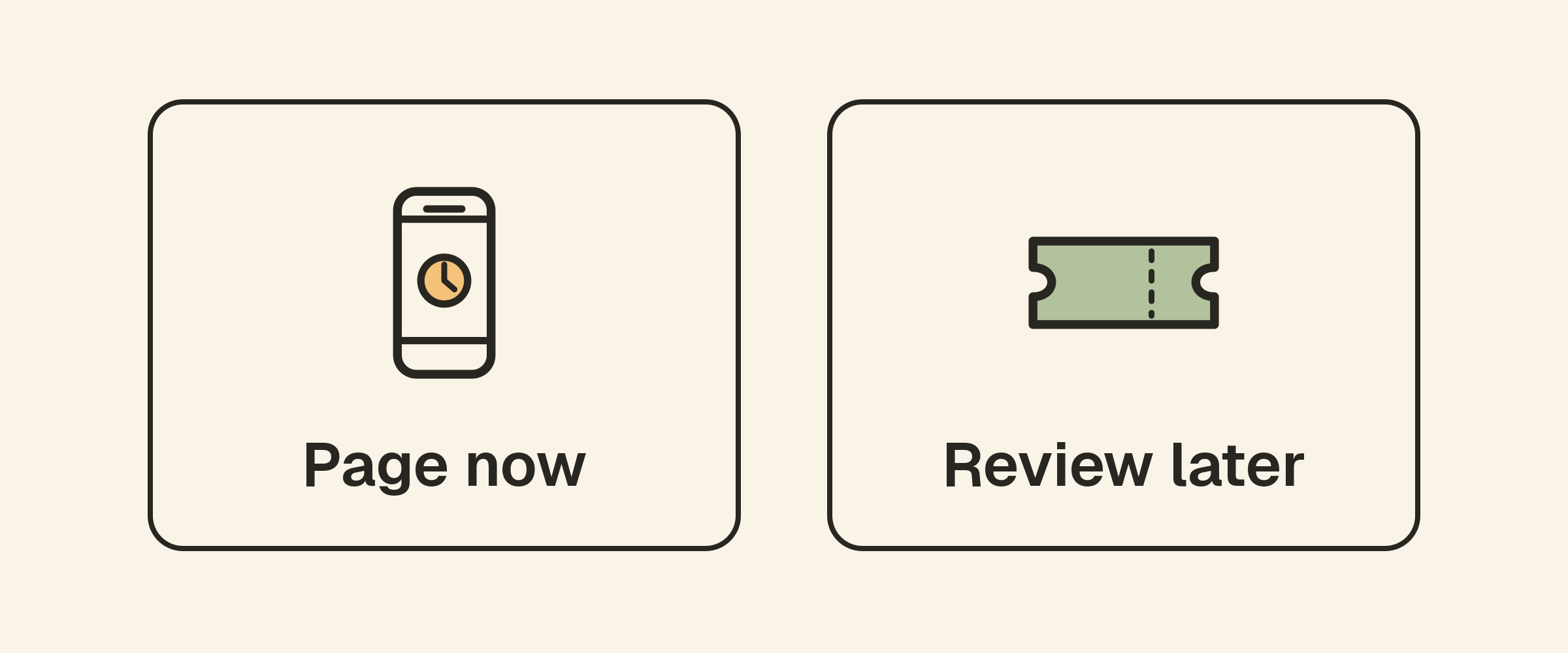
A page or urgent push notification interrupts someone immediately. Reserve that level of urgency for conditions whose response cannot reasonably wait. A trend needing review during working hours may belong in a ticket or report instead.
Consider both impact and time to act. A confirmed failure of a critical API is different from a brief CPU spike during a known batch job. A certificate approaching expiry may need early reminders followed by greater urgency if renewal does not happen.
Google’s guidance on alerting from service-level objectives explains how reliability goals can inform alerts based on customer experience. The general lesson is to connect urgency to a meaningful service outcome. Implementing a full SLO-based system requires appropriate request and error measurements; periodic uptime checks alone do not provide every input.
Use confirmation windows deliberately
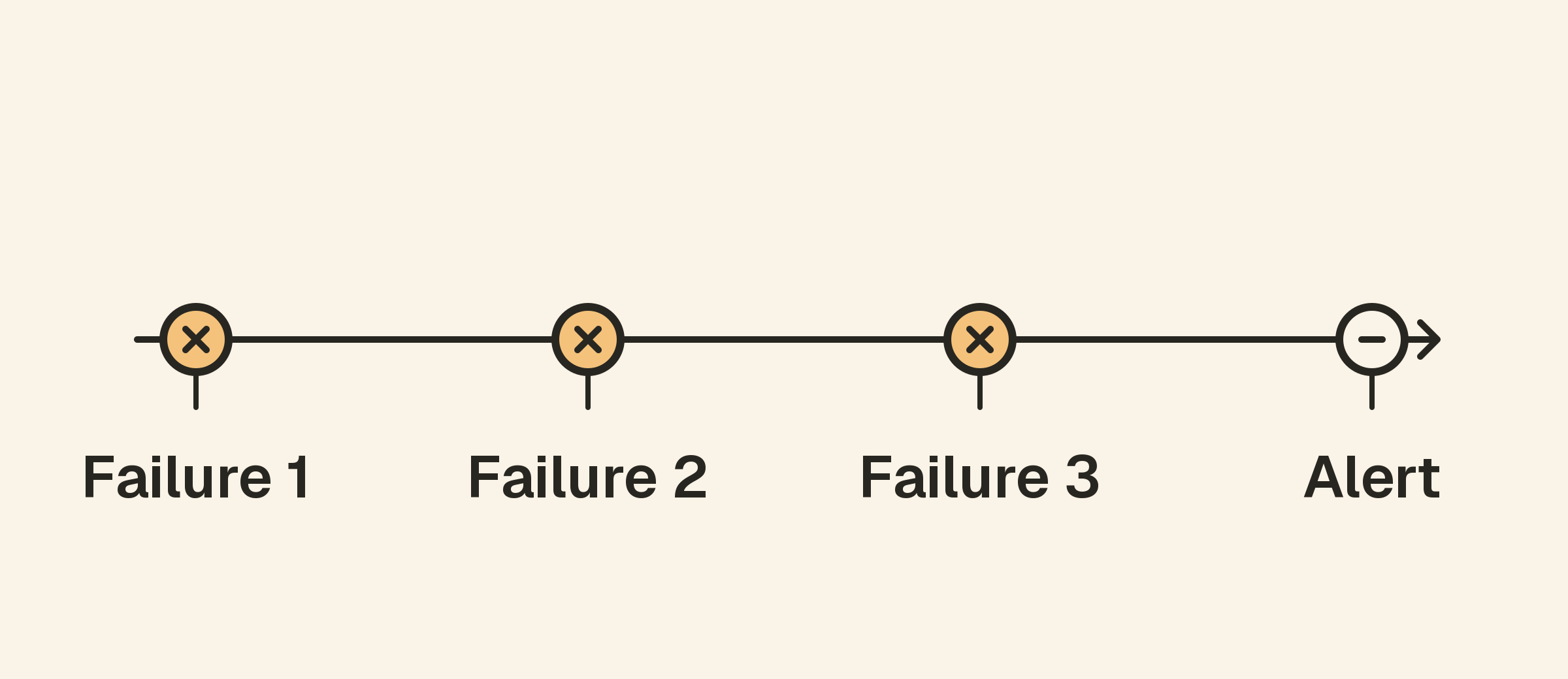
Requiring consecutive failed checks can filter a one-off request failure. It also delays detection. Choose the tradeoff explicitly rather than treating the default as automatically right for every service.
For example, three consecutive failures on a five-minute interval can take several minutes longer to notify than a single-failure rule. Exact timing also depends on when the outage starts, request timeouts and retries. A short interruption between checks may be missed entirely.
A critical customer-facing endpoint may need a different rule from a low-priority informational page. Test representative failure cases so the team understands the expected timing.
Upty’s alert documentation explains failed-check thresholds, reminders, quiet hours and escalation. Use those settings according to the service’s response requirements rather than apply the same profile everywhere.
Separate availability, slowness and capacity
An unavailable response, a slow successful response and a host resource threshold are related but different conditions. An investigator should be able to tell which one triggered the alert.
Use website and API monitoring to observe external behavior. Use host monitoring for machine resources, where available, and log rules for focused application signals. Give each alert a clear purpose.
If a CPU threshold fires regularly without any action or service impact, investigate the workload and the rule. The answer may be a longer evaluation window, a different threshold or a capacity task. It may also reveal a problem you have learned to tolerate. Do not assume a familiar alert is harmless simply because it happens often.
For more on the distinction, read website monitoring versus server monitoring.
Group related signals without losing the underlying evidence
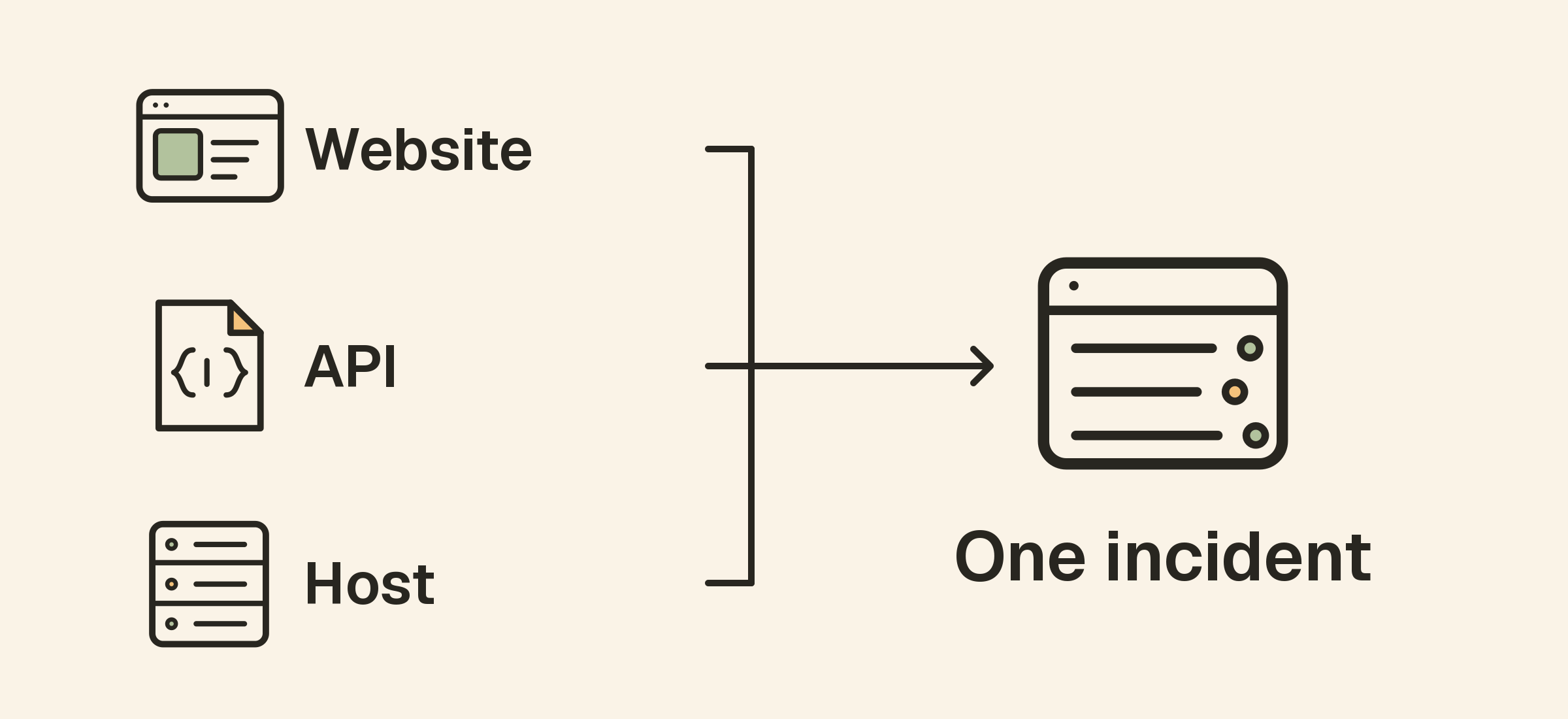
One incident can generate alerts from a website, its API and several hosts. Treating every message as an independent emergency can overwhelm the team while providing little additional direction.
Where your tooling supports grouping or deduplication, use it around a clear incident or service identity. Keep the underlying checks available for diagnosis. If grouping is not available, organize monitor names, ownership and notification destinations so related failures are easier to recognize.
Be cautious with automatic suppression. A failed dependency does not prove every other failure has the same cause. Rules that hide downstream alerts need a documented dependency model and tests of the cases they suppress.
Do not describe grouping or dependency suppression as a product feature unless the tool you use actually provides it. A clear naming convention and a shared response process are still useful starting points.
Give every urgent alert an owner and useful context
A message should identify the environment, affected service, observed condition and the time of the observation. Include a link to the relevant monitor and concise instructions for the first investigation step.
Compare “Error on monitor 12” with “Production upload API: expected JSON status ok, received an error response.” The second gives the recipient a clearer starting point without requiring private request data in the notification.
Assign one primary owner and a backup route. A large group receiving the same message can still leave everyone assuming someone else will respond. Ownership should be understandable when the usual maintainer is away.
Keep response instructions current. If the first step references a retired dashboard or a system the recipient cannot access, the alert is not operationally ready.
Tune reminders, acknowledgement and escalation
Acknowledgement should tell the team that someone has seen the incident and is handling it. It is not evidence of recovery. Preserve a way to escalate if the incident remains unresolved or the owner needs help.
Choose reminder intervals that support action without repeatedly interrupting the same investigation. Escalation should reach a person or channel with a defined responsibility, rather than repeat the same message to more unattended destinations.
Test the complete route with a controlled incident. Verify primary delivery, acknowledgement behavior, the backup route and the recovery notification. An alert rule that works in the editor can still fail operationally because a destination changed or nobody watches it.
Handle maintenance and quiet hours carefully
Planned maintenance can create expected failures. Use your monitoring platform’s maintenance facilities where available, with a named owner, a bounded window and a review of which services are covered.
Quiet hours serve a different purpose: they affect notification timing. Holding notifications does not make an unavailable service healthy. Decide how genuinely urgent conditions will be handled when ordinary destinations are quiet.
Check the timezone and confirm what happens when the window ends. Open-ended muting and forgotten maintenance settings can remove useful coverage long after planned work is complete.
Keep customers informed through a status page when maintenance or incidents affect their workflows. Internal alert handling and public communication should support the same understanding of impact.
Measure whether the changes helped
After tuning, review both the reduction in noise and the incidents the system actually detected. Track repeated non-actionable notifications, missed or late detections and cases where ownership was unclear.
Use controlled tests for important scenarios that have not occurred naturally. A quiet week does not prove coverage is adequate. Compare expected detection and response behavior with observed results before declaring the alerting system improved.
Schedule regular reviews around real operational changes: new services, a different on-call arrangement, a migration or an incident that revealed a gap. Every change should have an explanation the next maintainer can understand.
A practical review checklist
- Identify alerts that repeatedly require no action.
- Define which conditions deserve urgent interruption.
- Assign a primary owner and backup route.
- Review thresholds and confirmation delays per service.
- Make messages specific enough to start investigating.
- Group related signals where supported and justified.
- Bound maintenance windows and review quiet hours.
- Test escalation and recovery notifications.
- Check for missed incidents as well as reduced volume.
Frequently asked questions
Should I require several failures for every monitor?
No. It reduces some transient noise but increases detection time. Choose a rule based on the service’s risk, check interval and the time available to respond.
Is acknowledgement the same as resolving an incident?
No. It records that someone has seen or taken ownership of the incident. Recovery needs evidence that the affected service is working again.
What if an alert never leads to action?
Review why it exists. Improve the rule or message, route it to a more appropriate workflow, or remove it after confirming that it no longer covers a useful requirement. Do not leave an unexplained permanent mute in its place.